
THE WEEKLY MARKET
AI Grocery Shopping with The Weekly
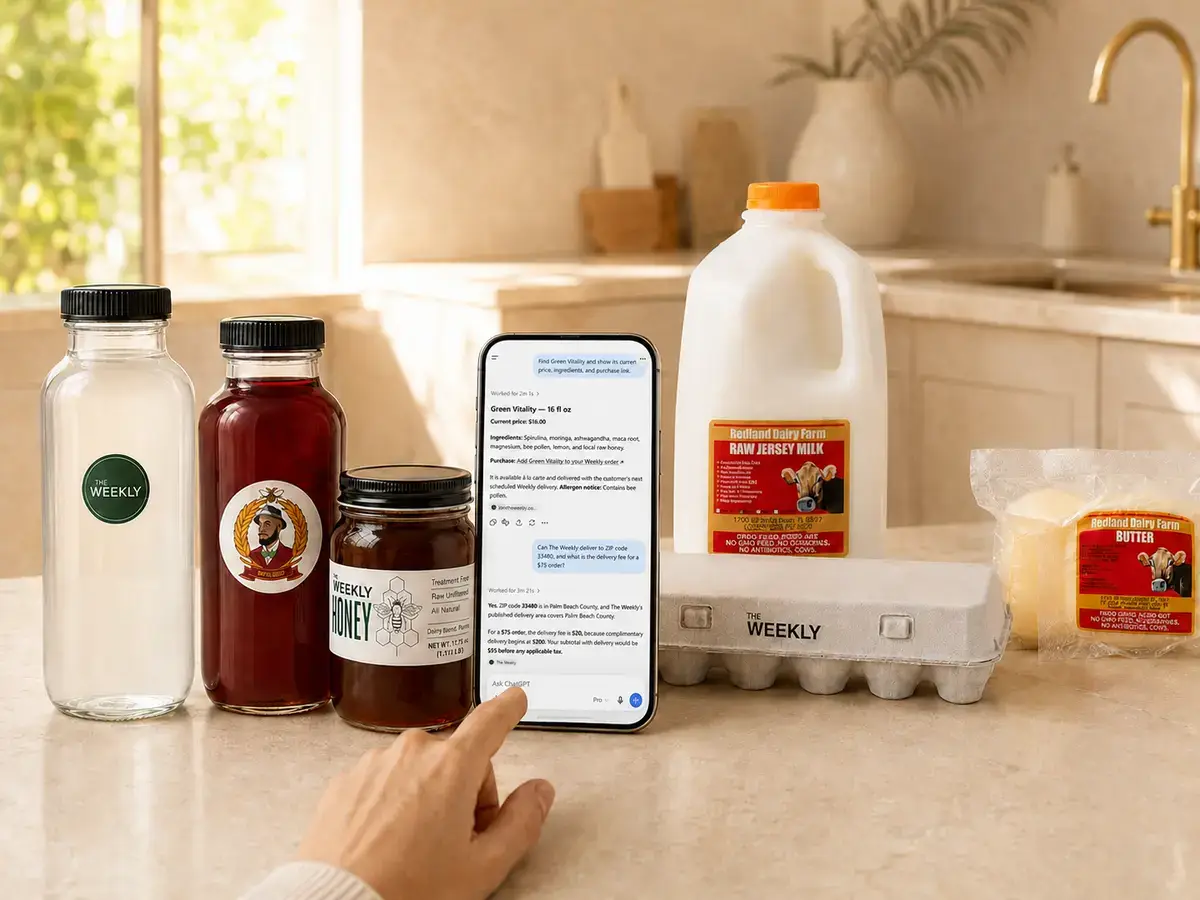
AI grocery shopping makes it easier to search The Weekly’s live local catalog, compare current products, check Palm Beach County delivery and build a grocery cart through your preferred AI assistant.
CONNECT YOUR AI ASSISTANT
Connect The Weekly Market
Add The Weekly Market as a custom MCP connector in Claude or another compatible AI assistant.
1. Open your AI assistant’s connector settings.
2. Choose the option to add a custom connector.
3. Paste the secure MCP server address below.
No Weekly account or API key is required to search the catalog. Checkout is completed securely on The Weekly’s website.
How AI Grocery Shopping Works
1. Ask for what you need
Search for specific groceries or describe your preferences, dietary needs and budget.
2. Review current products
The Weekly AI searches our live catalog and returns current products, prices, ingredients and availability.
3. Check local delivery
Confirm whether your Palm Beach County ZIP code is within The Weekly’s delivery area and view the applicable delivery fee.
4. Build your cart
Ask the assistant to recommend products or assemble a proposed grocery cart based on your request.
5. Check out securely
Continue to The Weekly’s secure website to review the cart, enter delivery information and complete payment. The AI assistant does not process or retain your payment information.